
Private AI speaking coach
Practise out loud.
Stay private.
An AI coach for interviews, presentations and meetings that runs on your computer. It reads your words, voice and body language, then replays you as an avatar. Your face never leaves your device.
Free forever · macOS, Windows and Linux · Other platforms
Kayavak runs on your computer. Send yourself the link and open it there.
Later, your phone can be the camera for practice sessions.
- No account
- No upload
- Works offline
- Free forever
How it works
Three steps, all on your computer
-
1
Record
Pick Interview, Presentation, Group discussion or Conversation and talk. Gentle live nudges help as you go: "Come back to the camera", "Sit tall".
-
2
See yourself as an avatar
Your session replays as one of 48 realistic people, a 2D cartoon or a sketch that moves exactly like you, including posture, gestures, fingers, gaze and expressions.
-
3
Get your best version
Timestamped moments to review, a corrected "best version" overlay of your posture, and your answers rewritten and spoken back to you.
The report
Feedback you can see, not just read
-
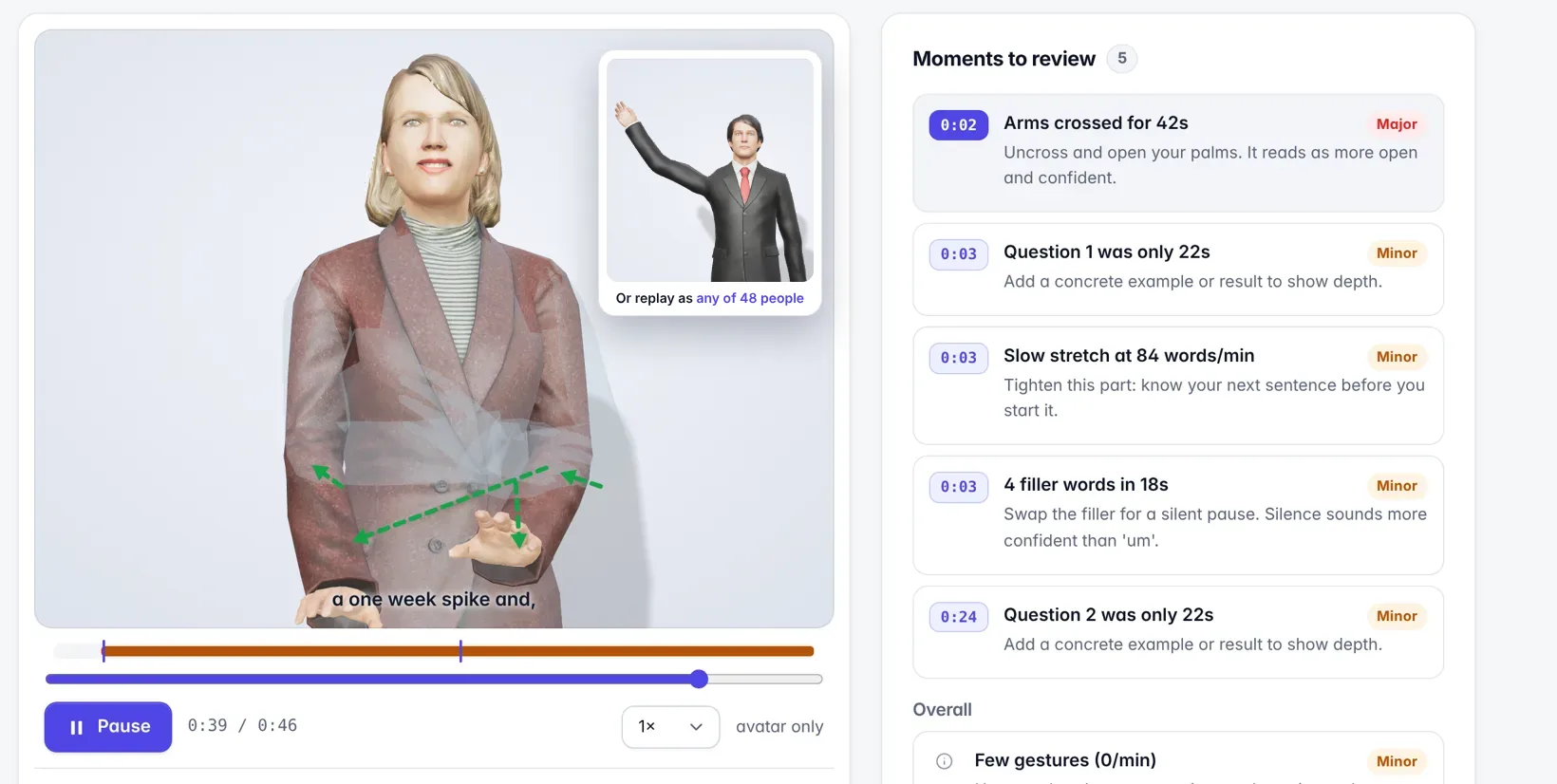
Moments to review
"0:42 arms crossed for 8s, open your palms." Click any moment to jump straight to it.
-
Your best version, overlaid
The corrected you in full colour, what you actually did as a faint shadow, and arrows for what should move. Read it like a diff.
-
Hear it said better
What you said, then polished, then rewritten by your local AI. Press play and your avatar says it.
-
Nine skills, tracked over time
Pace, filler words, confident language, structure, vocal variety, eye contact, posture, gestures and expression.
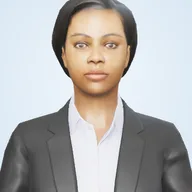

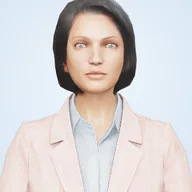

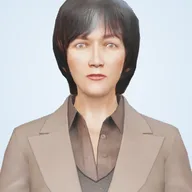
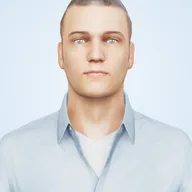
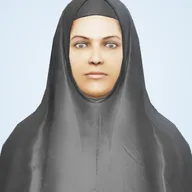
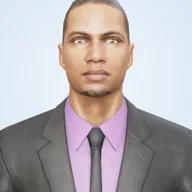
Choose who stands in for you. 48 realistic people of different ages, ethnicities and cultures, in business or everyday clothes, or a cartoon you design yourself.
Who it's for
Whatever you're preparing for
Job interviews
Time every answer, cut the "um"s, and keep eye contact through tough questions.
Presentations
Rehearse a talk, find the slow stretches, and stand tall and open.
Meetings and discussions
Sound clear and confident on calls and in group discussions.
Students and teachers
Practise for vivas and pitches. No student video is ever recorded.
Already have a recording? Import an MP4 or MOV of a real interview or talk. It's analysed on your computer and never uploaded.
Privacy, by construction
Only movement points are saved. Here's a real one.
- Your camera video never leaves your computer. Frames are turned into movement points in memory and thrown away.
- Audio is transcribed on your computer, then deleted unless you choose to keep it.
- No account, no cloud, no analytics. The app is locked so it can't reach the internet, and its AI runs locally.
- Your data is yours. Plain files in one folder that you can inspect, export or delete.
{"t":1533,"p":[512,331,99,…],"f":[497,118,…],"b":[0,0,3,…],"r":[766,…]}Free forever
No price. No ads. No catch.
- Every feature is free, with no trial, no paid tier and no limits on practice.
- Nothing to sell. Your data never leaves your computer, so there's no data to monetise either.
- No account. Download it, open it, practise.
I built Kayavak because practising out loud works, and nobody should have to hand their face to a server to do it.
What I want from it: a coach anyone can use for free, and a way to learn computer vision, real-time 3D and local AI by shipping something real. Read why, or see more of my work on my portfolio.
Download
Get Kayavak for your computer
You need a webcam and a microphone. After the first launch, Kayavak works completely offline.
FAQ
Questions people ask
Is it really free?
Yes, free forever: every feature, with no paid tier and no ads. It runs on your computer, so it costs nothing to run for you, and there's no data to sell.
Is my video stored or uploaded?
No. Camera frames are turned into movement points in memory and thrown away. Nothing is uploaded: there is no Kayavak server to upload to.
Do I need an account?
No. Download, open and practise. There's nothing to sign up for.
Does it work offline?
Yes. The first launch downloads the tracking and transcription models once. After that, everything runs without an internet connection.
What do I need?
A Mac, Windows or Linux computer with a webcam and a microphone. A recent laptop is plenty. Your phone can also be the camera.
Can it analyse a recording I already have?
Yes. Import an MP4, WebM or MOV of a real interview, meeting or talk. It's analysed on your computer; the video is never uploaded or stored.
How does the AI rewrite my answers without the cloud?
Polishing (removing fillers, hedges and stutters) is built in. For full rewrites and coach's notes, install the free Ollama app, which runs AI models on your computer. Kayavak finds it and picks the best model you have.
Which languages are supported?
English today. More languages are planned.
Your next interview starts with a practice run.
Free forever, private, and ready in under two minutes.
Download Kayavak